How to Create a Chatbot for Your Niche Market Business

Unlocking the Potential: Understanding Your Niche and Audience Needs
To create a successful chatbot tailored for your niche market, it's essential to truly understand the unique needs and preferences of your audience. Conducting thorough research will help you identify the specific problems your customers face and the solutions they seek. Consider using methods such as surveys, interviews, and social media polls to gather valuable insights. This information will serve as the foundation for your chatbot’s functionality and tone, ensuring that it resonates with users. Remember, a well-defined target audience allows you to design conversational experiences that feel personalized and relevant.
Once you have a clear understanding of your audience, the next step is to map out the key interactions your chatbot will facilitate. Create a comprehensive list of topics and questions your customers frequently ask. Here's a simple way to categorize their needs:
| Category | Common Questions/Needs |
|---|---|
| Product Information | Details about features, pricing, and availability |
| Support | Help with troubleshooting and inquiries |
| Feedback | Gathering user experiences and suggestions |
By focusing on these categories, you can structure the chatbot's responses to reflect your audience's pain points and desires. This approach not only enhances user satisfaction but also positions your chatbot as an indispensable resource in your niche, ultimately driving engagement and loyalty.

Building the Blueprint: Designing Conversational Flows That Engage
Designing conversational flows that resonate with your audience is pivotal for creating a successful chatbot. Start by defining the key personas of your target users, as this will guide the tone and style of interactions. To keep conversations engaging, structure your chatbot’s communication to include various elements such as:
- Natural Language Processing: Allowing the bot to understand and respond to queries in a conversational tone.
- Personalization: Tailoring responses based on user behavior and preferences.
- Quick Replies: Offering ready-made responses to common questions for efficiency.
- Fallback Options: Providing users with alternative paths when the bot can't understand a query.
Next, map out the user journey to visualize the conversation path. This involves outlining the stages a user might pass through, from greetings to resolving inquiries. Implement a decision tree model to illustrate possible interactions; you can utilize tables for clarity:
| User Input | Bot Response | Next Step |
|---|---|---|
| Hello | Hi there! How can I assist you today? | Show options |
| What services do you offer? | We provide a range of services including... | Detail services |
| I need help with my order. | Sure! Please provide your order number. | Collect information |
| Goodbye | Thank you for chatting! Have a great day! | End conversation |
This structured approach not only enhances user experience but also ensures that each interaction is purposeful and efficient, ultimately leading to higher satisfaction and engagement rates. Think of your conversational flows as a roadmap, guiding users seamlessly towards their desired outcomes while making the journey enjoyable.
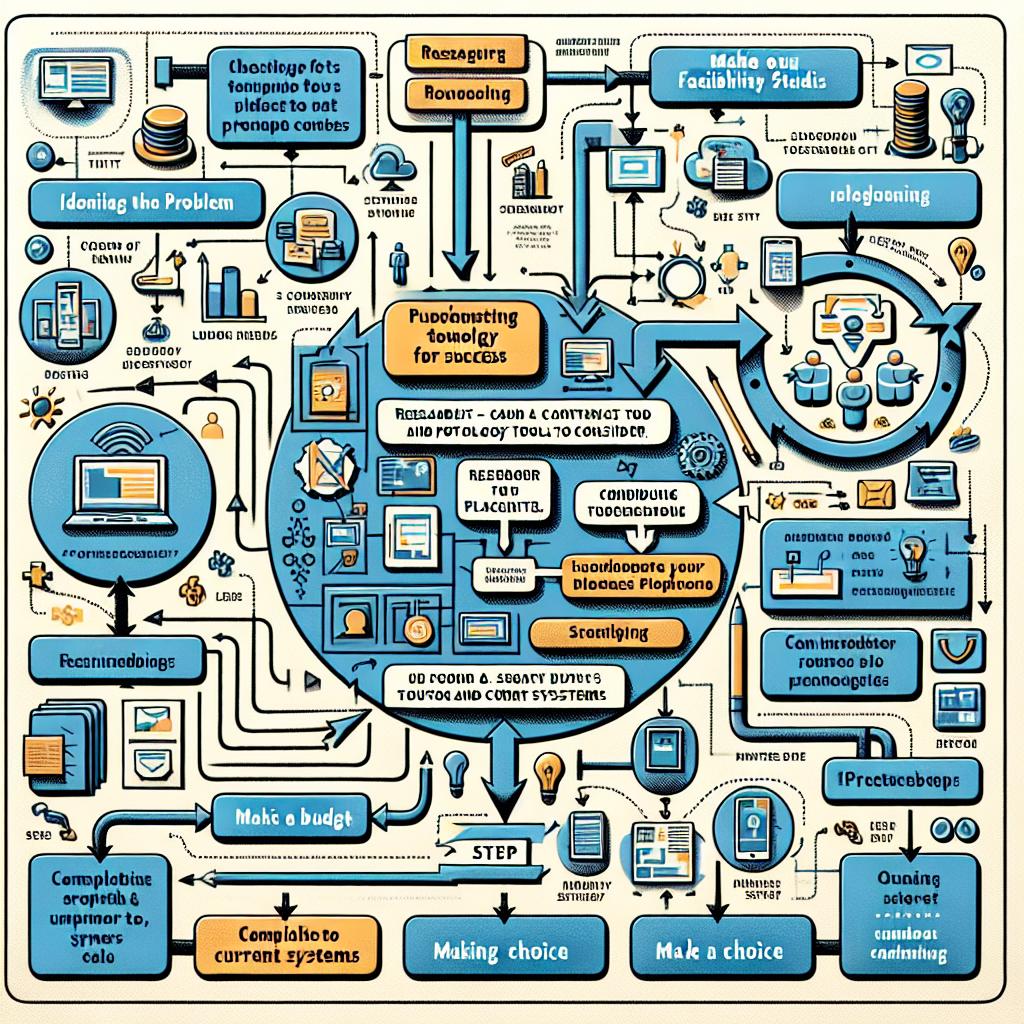
Choosing the Right Technology: Tools and Platforms for Success
When embarking on the journey to create a chatbot tailored for your niche market, selecting the right technology is pivotal. The variety of tools available can seem overwhelming, but focusing on your specific needs will help clarify your options. Consider platforms that offer user-friendly interfaces and robust functionality, such as:
- Dialogflow: A Google-powered tool ideal for building conversational interfaces.
- Chatfuel: Perfect for those looking to create Facebook Messenger bots without coding.
- ManyChat: Excellent for marketing with features designed for social media interactions.
- Botpress: An open-source platform that provides flexibility for more advanced users.
Your decision should also be guided by the integration capabilities of the platforms. Look for those that can seamlessly connect with other apps and social media channels you already use. A good way to visualize the comparison is through a simple table highlighting key features:
| Platform | Ease of Use | Integration Options | Pricing |
|---|---|---|---|
| Dialogflow | Moderate | High | Free & Paid |
| Chatfuel | Easy | Medium | Free for Basic |
| ManyChat | Very Easy | High | Free & Paid |
| Botpress | Advanced | Medium | Free & Open Source |
By carefully assessing these tools, you can select the perfect mix that aligns with both your business goals and your users' preferences. Make your choice with confidence, knowing the right technology can greatly enhance your chatbot's functionality and effectiveness.

Testing and Tuning: Ensuring Your Chatbot Delivers a Seamless Experience
Once your chatbot is developed, the real journey begins with testing and tuning to ensure it operates smoothly and effectively. Begin by simulating various user interactions to identify potential issues and areas for improvement. Create a checklist for testing, which includes user input variations, edge cases, and common queries peculiar to your niche. This exhaustive approach will help you surface any misunderstandings or formatting errors the chatbot might have. Additionally, consider soliciting feedback from real users during beta testing. Their insights can be invaluable in uncovering parts of the conversation flow that may require enhancements.
After gathering feedback, go ahead to refine your chatbot’s responses and functionalities. Utilize analytics tools to monitor user interactions and track engagement metrics. This data will help you determine which areas of the chatbot are underperforming, enabling you to make data-driven adjustments. It’s important to integrate a continuous improvement loop where you regularly revisit the chatbot experience based on evolving user expectations and preferences. Here’s a simple table to track your testing phases:
| Testing Phase | Description | Metrics to Track |
|---|---|---|
| Alpha Testing | Internal testing with team members. | Response accuracy, Load time |
| Beta Testing | Public testing with select users. | User engagement, Feedback ratings |
| Live Monitoring | Real-time performance tracking. | Session duration, Drop-off rates |


Comments
Post a Comment